The Recovery (previously called Winback) 自動化 feature helps recover negative reviews on Google, OpenTable, and Yelp. It connects the Recovery form to the auto-response, reducing manual steps and keeping the process consistent. This allows businesses to resolve issues directly, protect their reputation, and build customer trust while saving time.
リカバリー自動化の設定方法
リカバリー自動化の設定は、 自動返答・自動解決自動化 の設定とほぼ同じ手順です。これらの手順に従うことで、ネガティブなフィードバックを効果的に処理するためのリカバリー自動化が設定されます。
Walkthrough
次に何が起こりますか?
Move the conversation to a private thread.
よくある質問
Can the winback form be used for positive ratings?
現時点では、定義されたネガティブな評価にのみ適用されます。
What is considered a negative feedback?
評価が0〜3のレビューはネガティブなフィードバックとして分類されます。
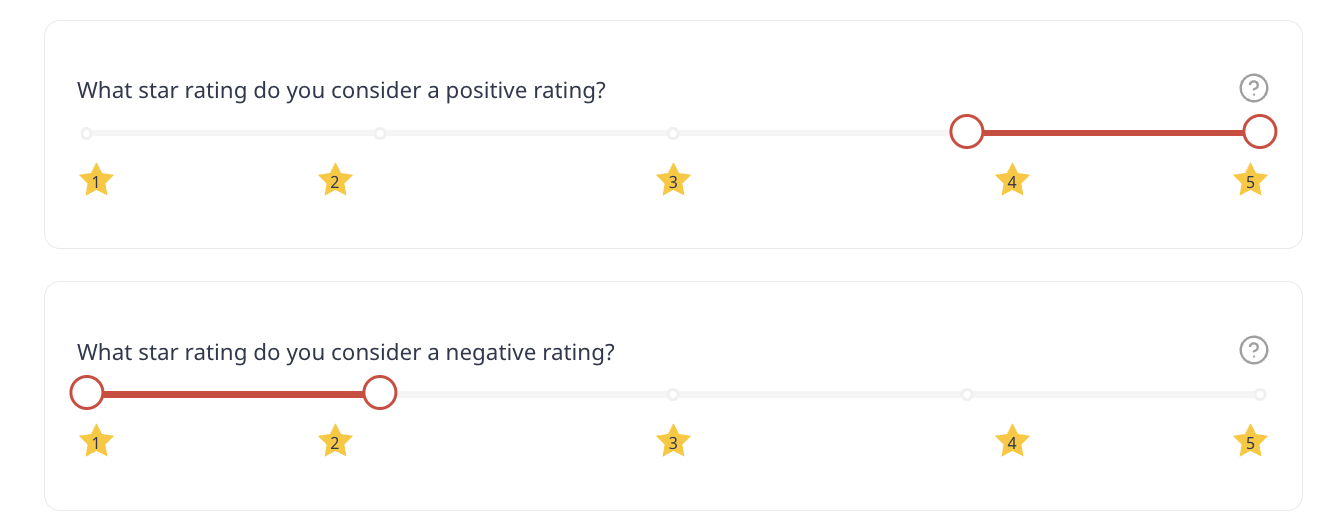
アンケートでは、ネガティブな評価を 設定で定義できます。すべての星と絵文字の範囲(10または3のいずれかであっても)は5ポイントスケールに正規化されることに注意してください。
この記事は役に立ちましたか?
それは素晴らしい!
フィードバックありがとうございます
お役に立てず申し訳ございません!
フィードバックありがとうございます
フィードバックを送信しました
記事の改善におけるご協力ありがとうございます。